Chrono - Time Tracker
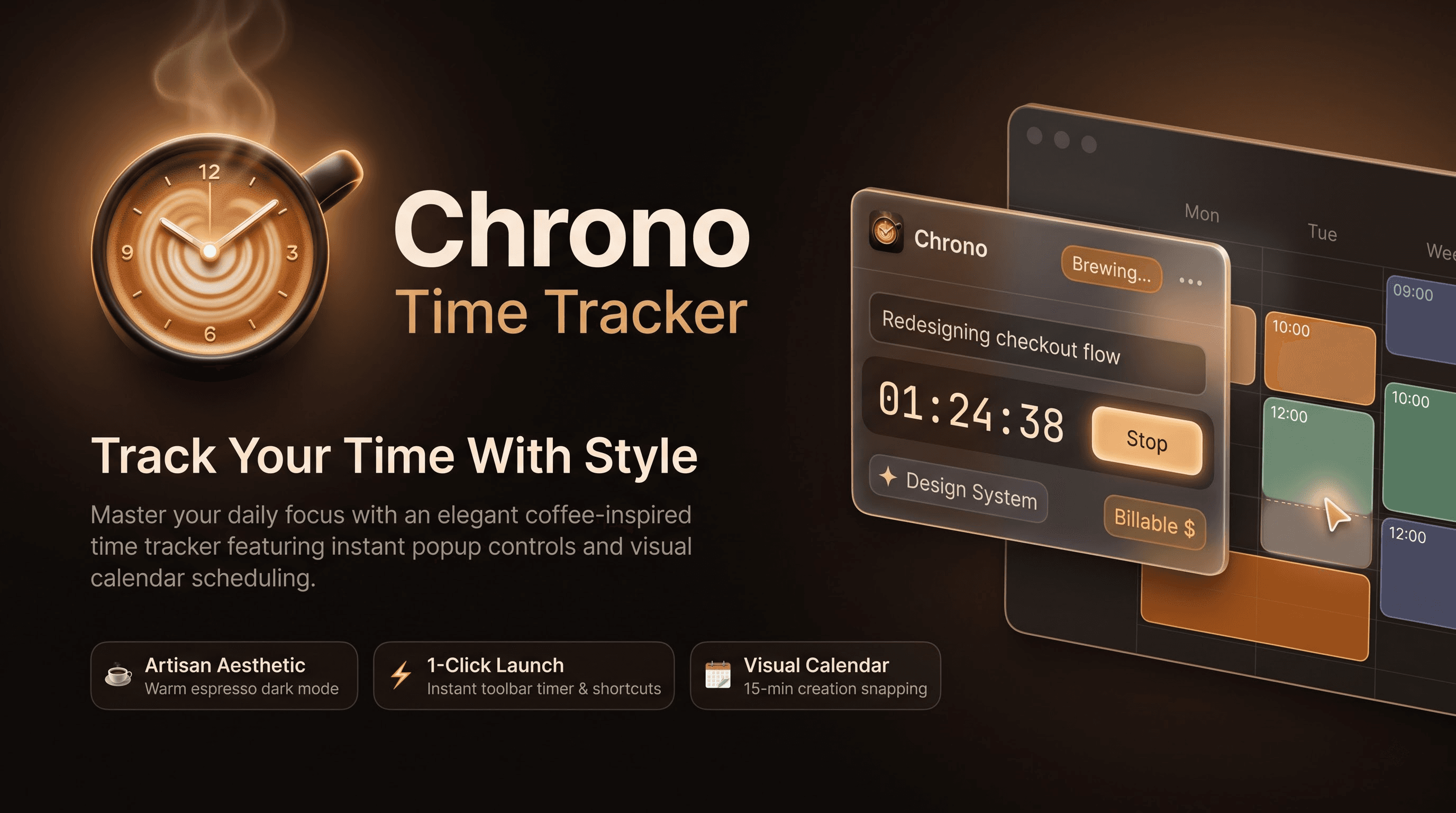
A cozy, coffee-inspired browser extension designed for effortless time tracking, interactive calendar scheduling, and print-ready reporting.
Track Your Time With Style
A cozy, coffee-inspired browser extension designed for effortless time tracking, interactive calendar scheduling, and print-ready reporting.
Key Features & Capabilities
Designed from the ground up for speed, privacy, and visual delight.
Theme Color Palette
Choose between warm Coffee Dark roasts and cozy Coffee Light latte accents with instant live preview.
Instant Toolbar Popover
Control active timers directly from the compact browser action panel with project selection and autocomplete.
Calendar Snapping Grid
Visualize entries on an interactive day/week scheduler grid featuring 15-minute creation snapping and time slot selection.
Detailed Logs & Export
Group logs by date, perform bulk edits, export print-ready PDF invoices, Excel spreadsheets, or CSV log summaries.
Background Automation
Live toolbar status badges, dynamic tab favicon alerts, long-running warnings, and automated system idle detection.
Keyboard Control & a11y
Start/stop timers instantly using global hotkeys (Alt + T), screen reader announcements, and keyboard focus states.
Getting Started
- Click the Chrono icon in your toolbar to open the popover.
- Enter your task details, select a project label, and tap Start.
- Use Alt + T from any tab to start or stop timer.
- Open the dashboard to view full calendar grid logs and export PDF invoices.
Chrono saves all entries strictly inside your browser storage (chrome.storage.local). Zero tracking code, zero remote analytics.